
Messages with your family
How to exchange messages with family members on the same family tree. Messages can only be sent to family.
Open “Messages” in My Page
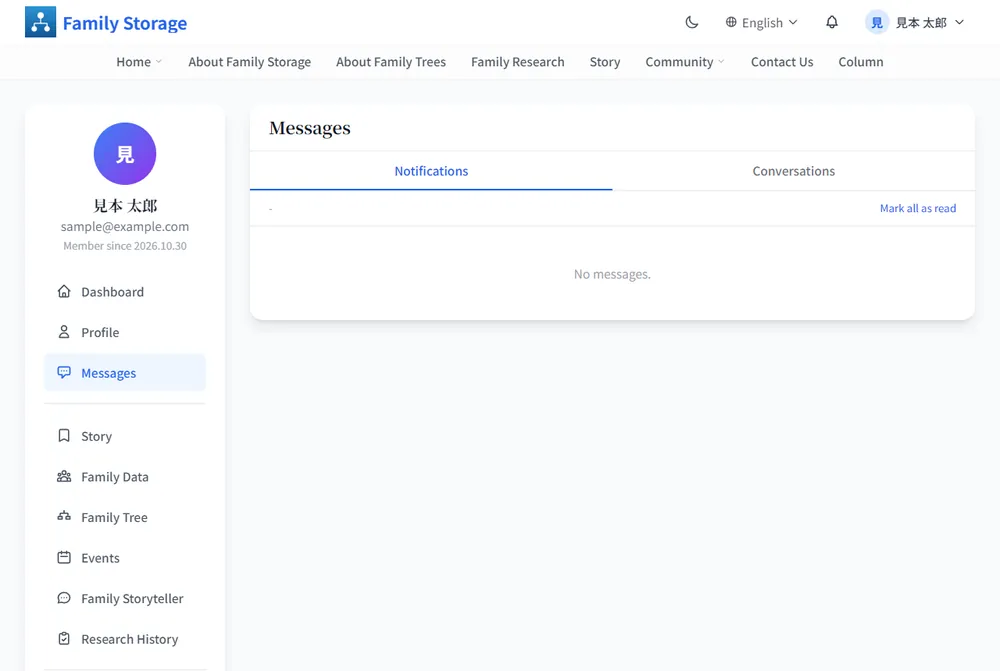
Click “Messages” in the left menu. The “Notifications” tab opens first and lists announcements from the site.
Open the “Conversations” tab
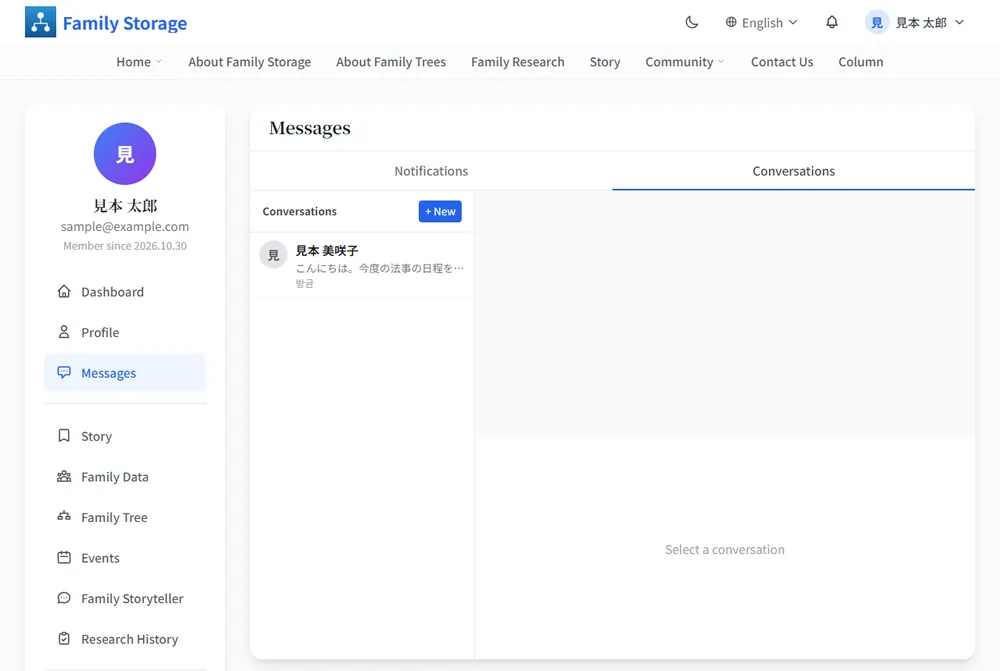
The “Conversations” tab shows your exchanges with family. When there are none yet, the list is empty.
Click “+ New”
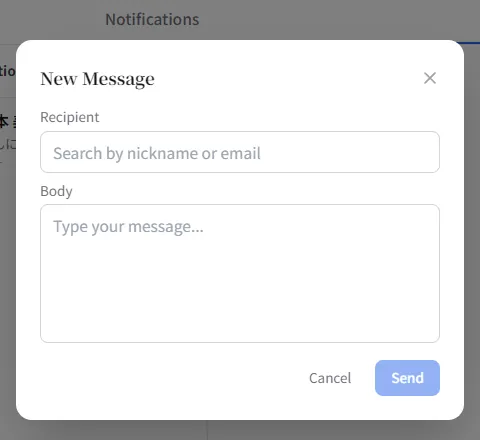
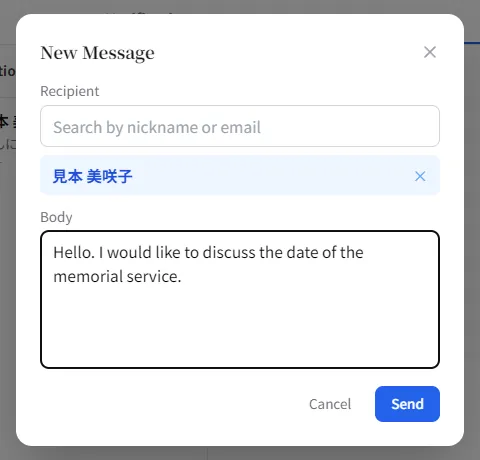
Click “+ New” and the “New Message” window opens. Fill in “Recipient” and “Body”.
Find the recipient and write your message
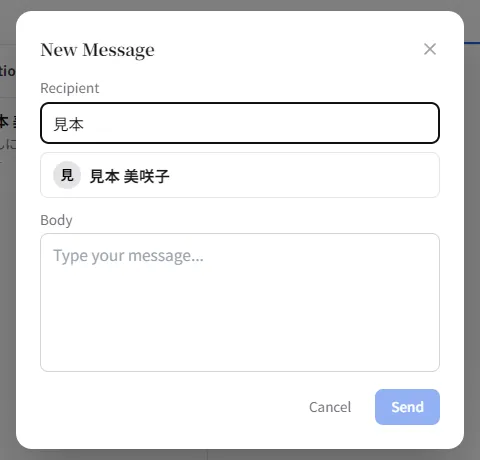
Type a nickname or email address in the recipient field and your family members appear as candidates. Choose one, write your message and click “Send”.
Sent messages stay in “Conversations”
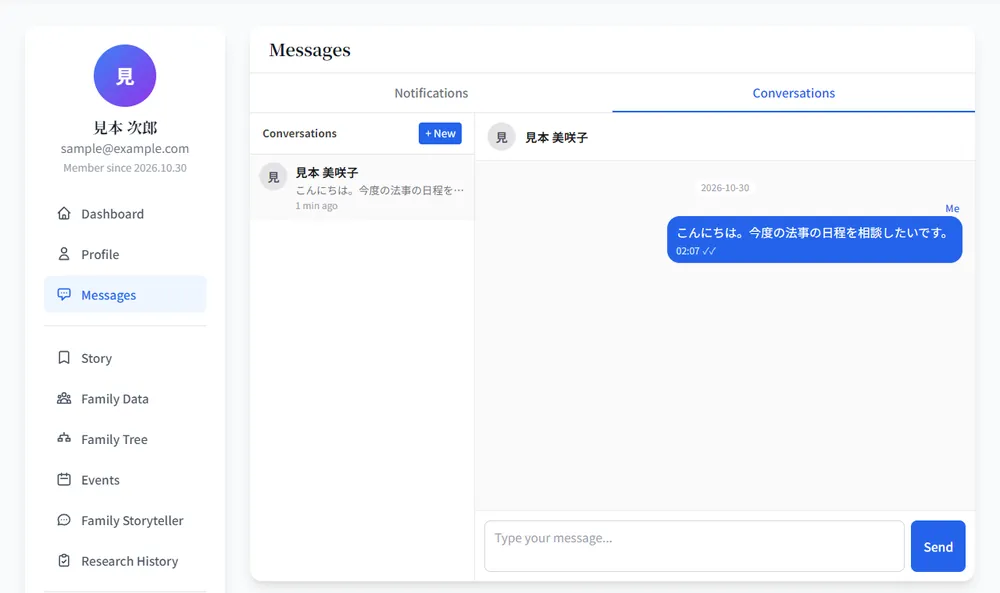
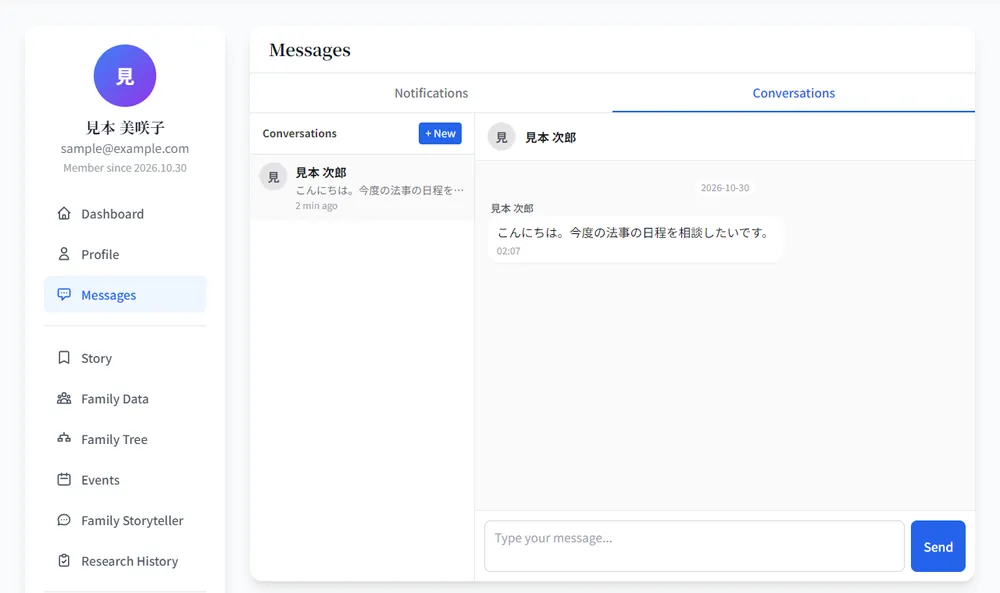
Messages you send stay in the “Conversations” list. The same conversation also appears on the other person’s screen. Select a conversation to keep exchanging messages.
Frequently asked questions
Only family who have joined the same family tree appear. If your family has not joined yet, please invite them first.