
How to open your family tree
How to see the family you registered as a single family tree (Family Map). If this is your first time, start by registering yourself.
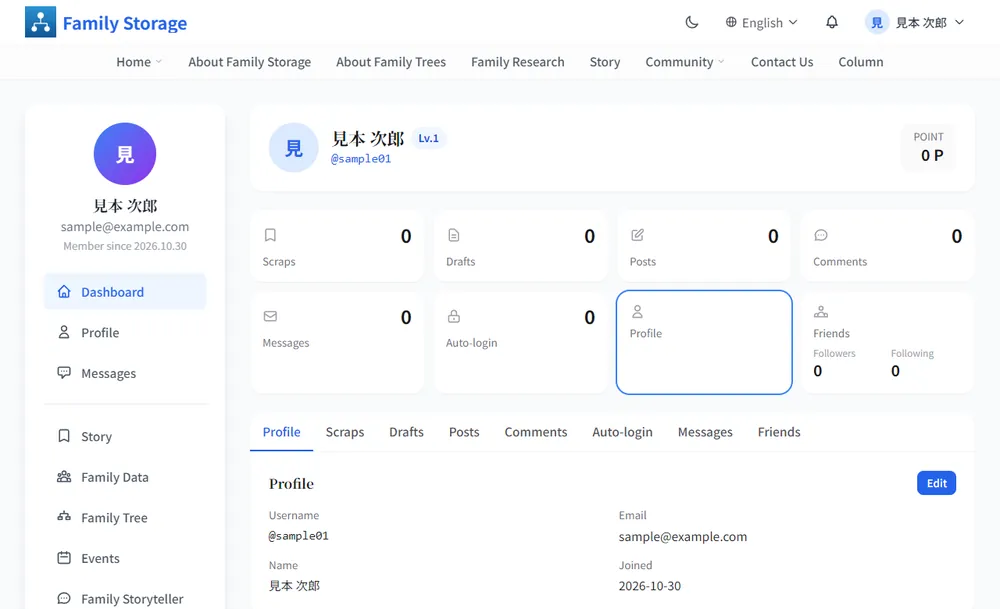
Click “View family tree” in My Page
Log in and click “View family tree” in the left menu. You can also use the blue “View family tree” button at the top of the Family Data page.
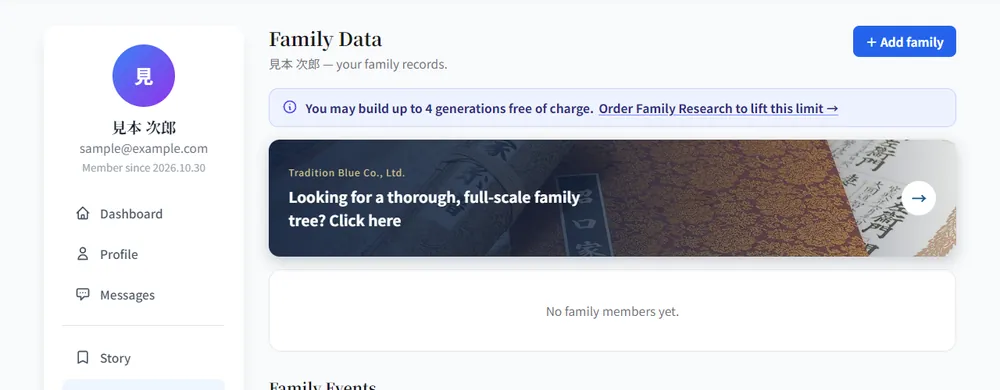
If it is your first time, register yourself first
If no family has been registered yet, “No family members yet.” is shown and the tree stays empty. Click “+ Add family” at the top right and register yourself first.
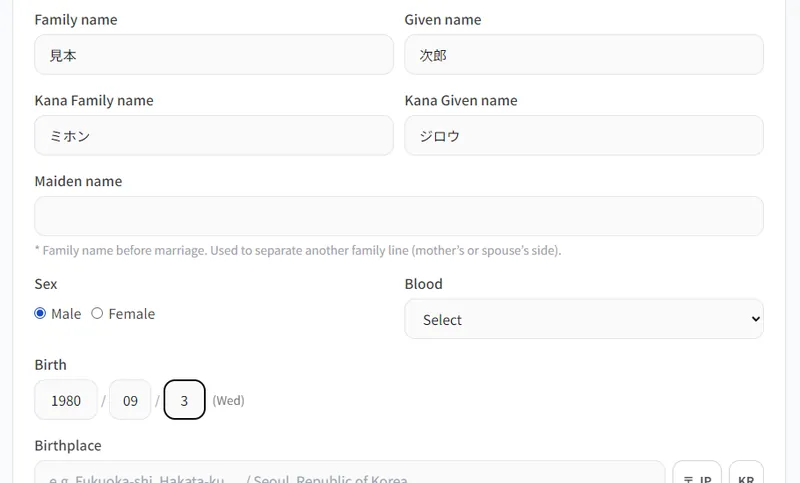
Enter your details and click “Save”
Enter your family name, given name, kana, date of birth and so on. Sex is required (you cannot save without it). Everything else can be added later.
The first person you register becomes the “Root” person of the tree. “Maiden name” is the family name before marriage; it is used to build the tree of another family line, such as your mother’s or spouse’s side, separately.
The family tree opens
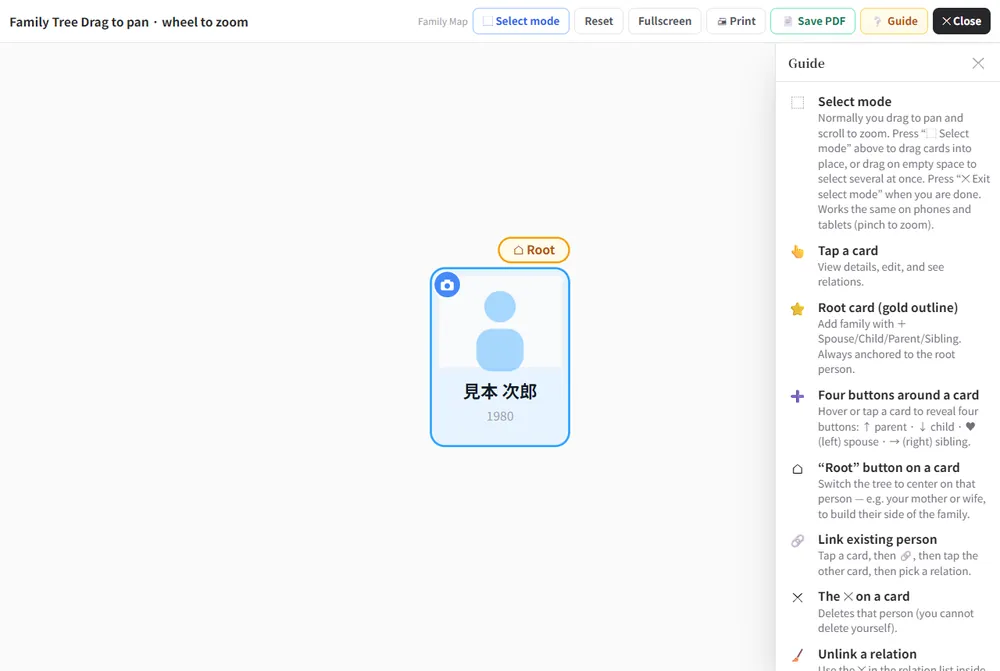
The tree opens full screen. The person you registered appears as one card with a gold outline and a “Root” badge. Drag to pan and use the mouse wheel to zoom. On a smartphone, move it with your finger and pinch with two fingers to zoom.
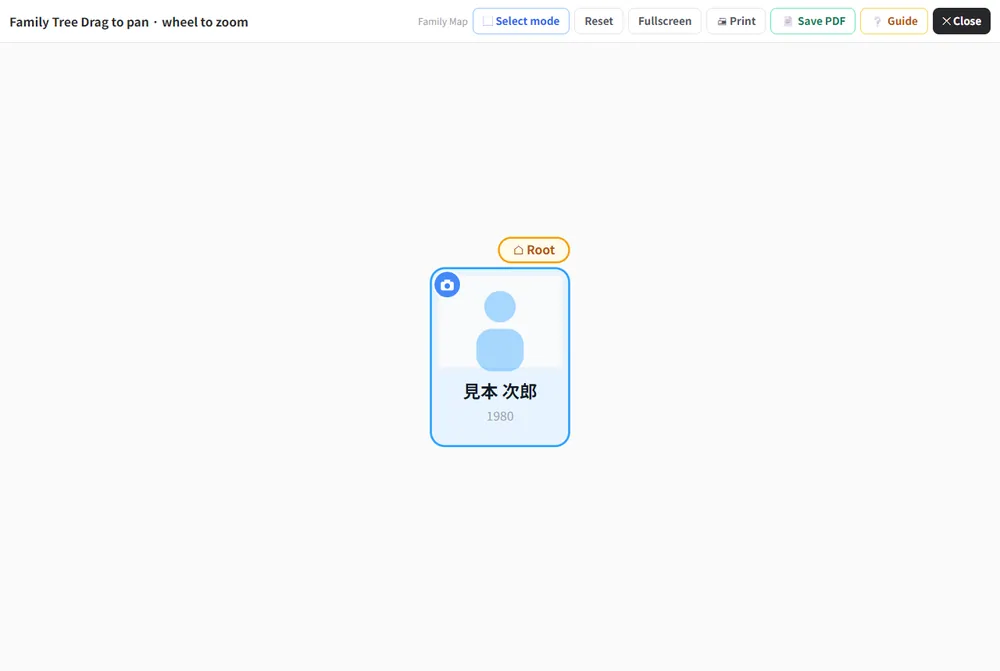
The buttons at the top and the “Guide”
- Select mode: drag cards into place, or drag across empty space to select several at once.
- Reset: returns the view to its original position.
- Fullscreen: shows the tree full screen.
- Print / Save PDF: turns the tree into paper or a PDF.
- Guide: opens an explanation of the controls on the right.
- Close: closes the tree and returns to the previous screen.
Frequently asked questions
Nobody has been registered in Family Data yet. Please register yourself first in “Family Data”.
In “Select mode” you can drag the cards into a tidy layout. You can save the layout, or go back to the automatic layout.