
Recording Each Person's Story — From Basic Details to Photos and Graves
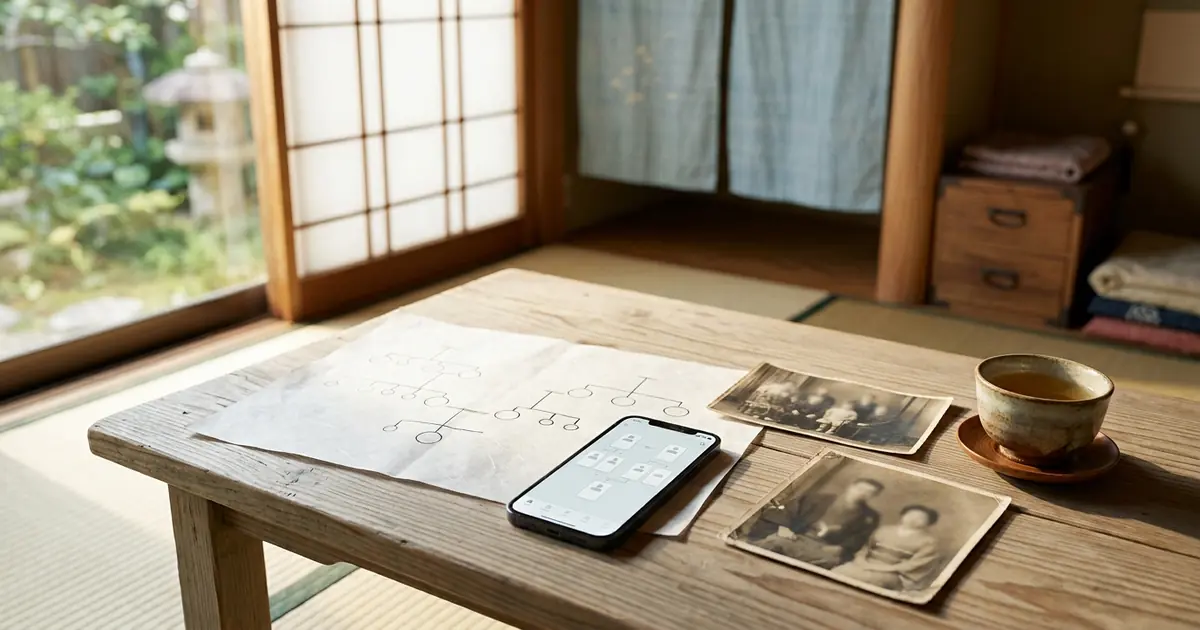
Even with just names and lines, a family tree shows how a family is connected. But when you also record what each person was like — where they were born, what they held dear, what work they did, and whom they met — the family tree becomes your family's story.
In this part, we show you how to record the details of each person in your family tree. You can also use it for your own "personal history."
Opening the Detailed Record
- On the Family Map, tap that person's card
- Press "View details"
At the top of the detailed record screen you will see the person's photo, name and basic details, along with their direct family such as parents, grandparents and children. Below that are sections (tabs) for each type of record.
Basic Details
This is the person's basic information, always shown at the top of the screen.
- Name, name reading (furigana), maiden name, sex
- Date of birth — on the Japanese screen, the Japanese era year is shown alongside (e.g. 1955 (Showa 30)). The zodiac animal (eto) is also shown automatically from the year of birth
- For those who have passed away — the age at death is calculated automatically from the date of death
- Blood type
- Place of birth, registered domicile (honseki), current address
- Phone number, email address, Facebook, X, Instagram
- Health insurance card symbol and number (medical insurance and long-term care insurance)
The address fields have "Postal code: Japan" and "Korea" buttons. For a Japanese address, just enter the seven-digit postal code; for a Korean address, search on the search screen. The address is then filled in automatically. After that, please add the street number and other details.
The health insurance card symbol and number are useful when family members need to handle procedures on someone's behalf, such as during a sudden hospital stay.
Self-Introduction
This section captures the person's character. There are nine items.
- Origin of name, nickname, personality
- Personal motto, favorite words, person they admire
- Favorite foods, foods they dislike, hobbies
When you ask your parents or grandparents about the "origin of their name," you may hear stories you never expected. Please try writing it together while they are still well.
Education, Work History, Qualifications and Licenses
You can add as many schools attended, companies worked for and qualifications held as you like. You can record these not only for yourself but for anyone, such as your father or grandfather.
Marriage
For each spouse, you can record the following.
- Wedding date, wedding venue and place, how they met, comments
- If they divorced, a divorce mark and the date of divorce
Once you enter the wedding date, it appears automatically as a "wedding anniversary" in your list of anniversaries. The story of how your parents met will surely become a treasure for their children and grandchildren.
Health Records
You can record height, weight, waist circumference and blood pressure for each date measured. Entering a new weight does not erase earlier records, so you can look back at how things have changed.
- BMI is calculated automatically from height and weight. The assessment follows the Japan Society for the Study of Obesity standard (25 or above is "obese")
- You can also add records of medical history, allergies and health checkups
Your family's medical history can be important information to share with a doctor when it matters.
Me, Decade by Decade
From your 0s to your 100s, you can record your height, weight and memories for each decade. "In my teens I was crazy about baseball." "In my thirties I built a house." — even short notes, placed side by side, reveal the course of a person's life.
Graves
For those who have passed away, you can record the cemetery name, location, plot and Buddhist posthumous name (kaimyo / homyo). When you enter the location, a map is shown automatically.
"We don't know where the grave is" happens surprisingly often as generations change. Recording the location and plot gives future family a guide for visiting the grave.
Records about graves and passing are kept in a separate section from health records. This is so that living family members do not come across them when they open their own health records.
Notes and Memos
Anything that doesn't fit into the set fields can be freely written down from "Add note". Family legends, stories from the war years, how to make a favorite dish — anything is welcome.
Photo Gallery
- From "Add photo", you can upload as many photos as you like at once (up to 12 MB each)
- You can also open it from the 📷 at the top left of a card on the Family Map. The number of photos is shown as well
- Press a photo to view it enlarged
- Copy the share link to show photos to family and friends
Anyone who knows the share link can view the photos. Please be careful whom you give it to.
Family Records — Family Crest, Family History, Religious Sect
In "Family Records" on the "Family Data" page, you can keep records for each family, rather than for each individual.
- Family crest (kamon) — choose from about 460 family crests, or register one by entering its name
- Family history — write down the history handed down in that family
- Religious sect — record the sect, the family temple (bodaiji) and its location
You can keep records for several families side by side, such as your father's family and your mother's family.
Family line analysis
At the very bottom of the "Family Data" page is "Family Analysis". From the family information you have entered, it automatically summarizes things like the following.
- Number of people registered, longest-lived person, average lifespan (calculated only from those who have passed away)
- Ratio of men to women, blood types, zodiac animals, star signs
- Trends in medical history, allergies and causes of death
- Distribution of registered domiciles, characters in given names (characters passed down through generations)
"Our family lives long." "Every generation has the character 'Masa' in their name." — the more you record, the more your family's traits come into view.
Protecting Important Information
Names, name readings, addresses, phone numbers and similar details are stored encrypted. Your family records are not shown to anyone other than the family members you invite.
A Few Tips for Recording
Ask while they are still well
Of all records, the hardest to recover are the stories you hear from the person themselves. While your parents and grandparents are still well, try asking them things like these.
- Who chose your name, and what were they hoping for
- What was the town where you were born like
- How many brothers and sisters did you have, and how did you grow up
- What work did you do when you were young
- Where and how did the two of you meet
- What were your own parents and grandparents like
You can write down the stories you hear in "Origin of name" under Self-Introduction, "How they met" under Marriage, Me, Decade by Decade, Notes, and so on.
Save old photos by taking pictures of them with your smartphone
If you photograph old album pictures with your smartphone camera, you can add them straight to the Photo Gallery. It's a good idea to also photograph any names or dates written on the back.
You don't need to write everything at once
There are many items, but you don't need to fill them all in. Add a little at a time, whenever you remember something or hear a story. You can always edit the records later.
Frequently Asked Questions
Can I leave items I don't know blank?
Yes, blank is fine. You can add the information whenever you find out.
The Japanese era year is not shown
The Japanese era year is shown on the Japanese screen. Please also check that a date of birth has been entered.
Our family crest is not in the list
Besides choosing from the list, you can also register a family crest by entering its name. Whatever name you know is fine.
I can't upload a photo
Please choose photos of up to 12 MB each. Photos taken with a smartphone can almost always be uploaded as they are.
Next time: anniversary reminders
The dates of birth, dates of death and wedding dates you enter here become anniversaries as they are. In the next part, we explain anniversary reminders and linking with Google Calendar and other calendars.
In this series, "How to Use Family Storage," we introduce the features one at a time so that even first-time users can use them with confidence.

Comments (0)
No comments yet. Be the first to comment.