
Anniversary Reminders and Calendar Linking — Special Days, Shared with Your Family
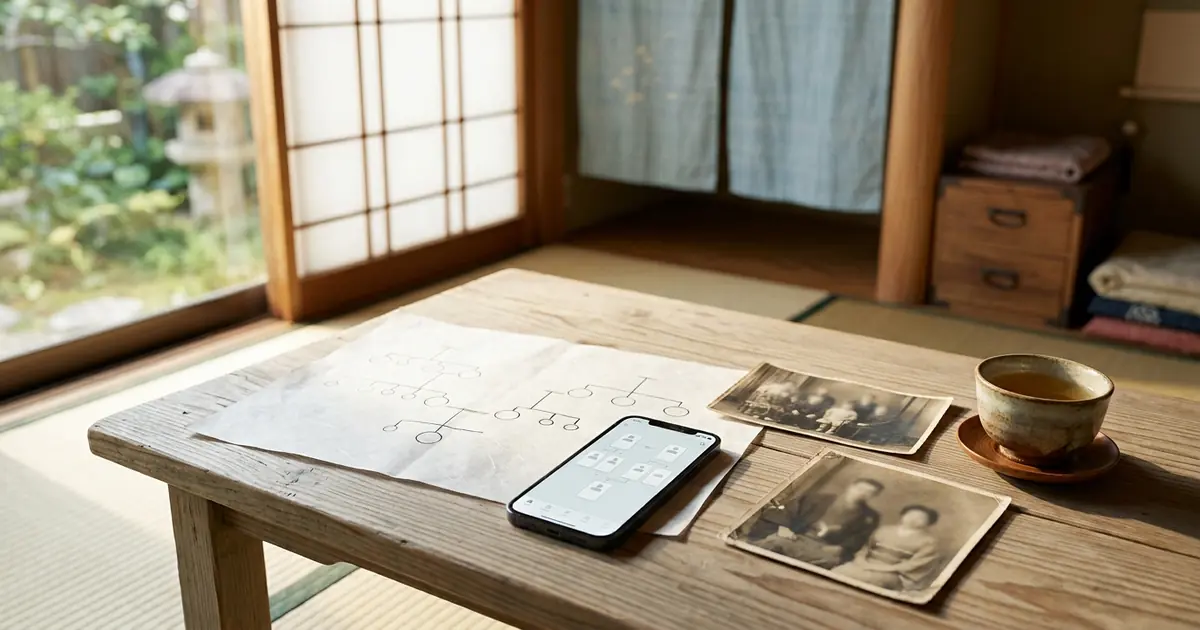
Grandfather's birthday, Grandmother's death anniversary, your parents' wedding anniversary — the more important the day, the easier it is to let it slip by in a busy life.
With Family Storage, the dates you enter in your family tree become anniversaries as they are. There is no need to register each one again. In this part, we explain how anniversary reminders work, how to set how you receive them, and how to link with Google Calendar and other calendars.
Opening the Anniversaries Page
Open "Anniversaries & Events" from the My Page menu. Your family's anniversaries are listed from the nearest date. How many days remain is also shown, such as "Today," "Tomorrow" or "In ○ days."
Three Anniversaries Listed Automatically
The following three are shown automatically from your family's information. In the list they carry an "Auto" mark.
- Birthdays — living family members whose date of birth has been entered
- Death anniversaries — those who have passed away and whose date of death has been entered
- Wedding anniversaries — current couples whose wedding date has been entered
You can enter the wedding date in the "Marriage" section of that person's detailed record. Once entered, it is automatically added to the anniversary list as a "wedding anniversary."
Automatic anniversaries cannot be edited or deleted on this screen. To correct a date, please correct the family member's information instead. The change is reflected in the anniversaries right away.
Please note that we do not send a divorced person reminders of their former spouse's birthday. To the children, however, that person is still their mother or father, so the children continue to receive them as before.
Adding Your Own Events
Memorial services, family trips, longevity celebrations — you can also register events that are not in the family tree.
- Press "Add"
- Fill in the following fields
- Date and time
- Title (e.g. Grandmother's 7th-year memorial service)
- Type — birthday, death anniversary, anniversary, other
- Related person — choose from the family in your family tree (you may leave it unspecified)
- Place and memo
- Repeat every year — check this for yearly events
- Reminder — on the day, 1 day before, 3 days before, 7 days before, 14 days before, 30 days before, or no reminder
- Notification method — email, push
- Press "Save"
Reminders are sent by the notification method you chose, on the morning of the set day. Events you registered yourself can be edited or deleted later with "Edit" and "Delete."
Choosing How You Receive Reminders — "Reminder Settings"
In "Reminder Settings" on the "Anniversaries & Events" page, you can change how you receive reminders to suit your preferences.
How to receive
On-screen notices (the bell icon), push notifications to your smartphone, and email — choose which of these three you would like to receive.
What to be reminded of
You can choose whether to receive reminders for "automatic anniversaries (birthdays, death anniversaries, wedding anniversaries)" and/or for "events you registered yourself."
When to be reminded
You can choose from 3 months before, 2 months before, 1 month before, 3 weeks before, 2 weeks before, 1 week before, 3 days before, 2 days before, 1 day before and on the day. At first, the setting is to send all of them. If you have a large family and feel there are too many reminders, narrowing them down to, for example, just "1 month before" and "on the day" works well.
After making changes, please save the settings. You will see the message "Your settings have been saved."
Here is what the email looks like
Anniversary reminder emails include the recipient's name, whose day it is and what kind, how many days remain, and the original date (in both the Western calendar and the Japanese era).
- For birthdays and wedding anniversaries: "Let's share this special day, which comes only once a year, with the family."
- For death anniversaries: "Let's share this special day of remembrance, which comes only once a year, with the family."
These words are added to the reminder. The sender is "Family Storage Office."
To receive push notifications on your smartphone, please set notifications from your browser to "Allow." Adding Family Storage to your home screen is handy, as it lets you open it like an app (we explained how to add it in Part 1).
Linking with Google Calendar and Other Calendars
You can show all your family's anniversaries in the calendar app you use every day. Your family's anniversaries then appear on the same screen as your own plans.
Issuing the link URL
- Open "Calendar Linking (Google Calendar, etc.)" on the "Anniversaries & Events" page
- Press "Issue link URL"
- Copy the URL that appears
Google Calendar (computer)
Open Google Calendar, and under adding "Other calendars," choose "From URL". Paste the copied URL and press "Add calendar".
iPhone / iPad
Open "Settings" → "Apps" → "Calendar" → "Accounts" and go on to add a subscribed calendar. Paste the URL, then press "Next" → "Save."
Outlook
Open your Outlook calendar and choose "Add calendar" → "Subscribe from web." Paste the URL and add it.
Notes on Linking
- It may take several hours for changes to appear in your calendar
- Please set "how many days before to be reminded" for each event in your calendar app
- Anyone who knows this URL can see your anniversaries without logging in. Please do not share it with others
- If someone else learns the URL, press "Reissue URL". The old URL stops working immediately
- To stop linking, press "Stop linking"
Family Events as Anniversaries, Too
From "Add," you can also register events that are not in the family tree. For example, days like these.
Memorial services
The 1st, 3rd, 7th, 13th, 17th, 23rd, 27th and 33rd-year memorial services — services held based on the date of death are easy to forget because the years between them are long. If you set the type to "death anniversary" and choose the deceased as the related person, you can see at a glance in the list whose service it is.
Longevity celebrations
Kanreki (60), Koki (70), Kiju (77), Sanju (80), Beiju (88), Sotsuju (90), Hakuju (99). Registering these milestone celebrations as "anniversaries," separately from birthdays, gives your family a prompt to start preparing.
Obon, Ohigan and family gatherings
For yearly events, if you check "Repeat every year," we will remind you automatically the following year too. Setting the reminder to "30 days before" gives you time to plan trips home and gatherings.
Frequently Asked Questions
A birthday doesn't appear in the list
Please check that the person's date of birth has been entered. For those who have passed away, the death anniversary is shown instead of the birthday.
A death anniversary doesn't appear
In that person's record, please indicate that they have passed away and enter the date of death. Once the date of death is entered, it is added to the list automatically.
There are too many reminders
Please narrow down the reminder timing in "Reminder Settings." You can also choose to receive reminders by email only, or as on-screen notices only.
I want to edit or delete an event I registered myself
Press "Edit" or "Delete" for that event in the list. For anniversaries with the "Auto" mark, please correct the family member's information instead.
It doesn't appear in Google Calendar
It may take several hours to appear. If it still doesn't appear after a while, please check that the entire URL was pasted correctly.
Next time: inviting your family
Anniversaries are best shared with the whole family. In the next part, we show you how to invite your family and build your family tree together.
In this series, "How to Use Family Storage," we introduce the features one at a time so that even first-time users can use them with confidence.

Comments (0)
No comments yet. Be the first to comment.